Tile Link Infinite Objects1.0.4
Publisher Description

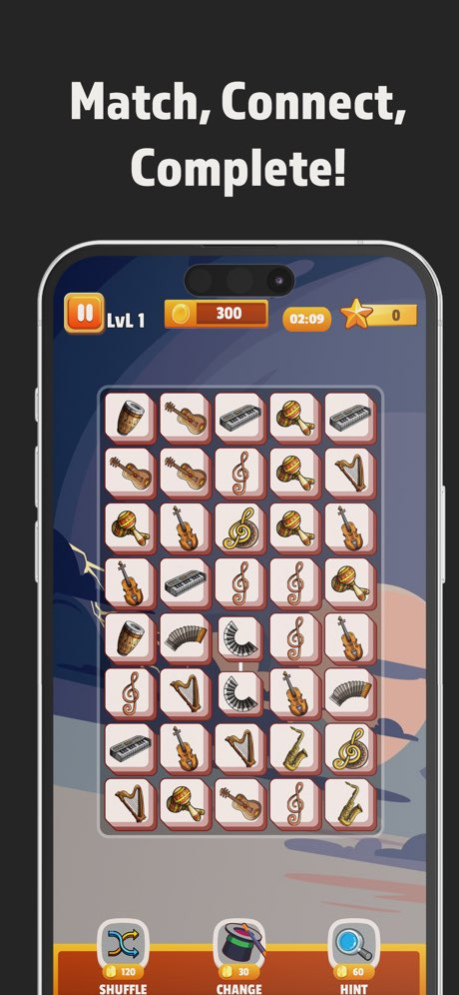
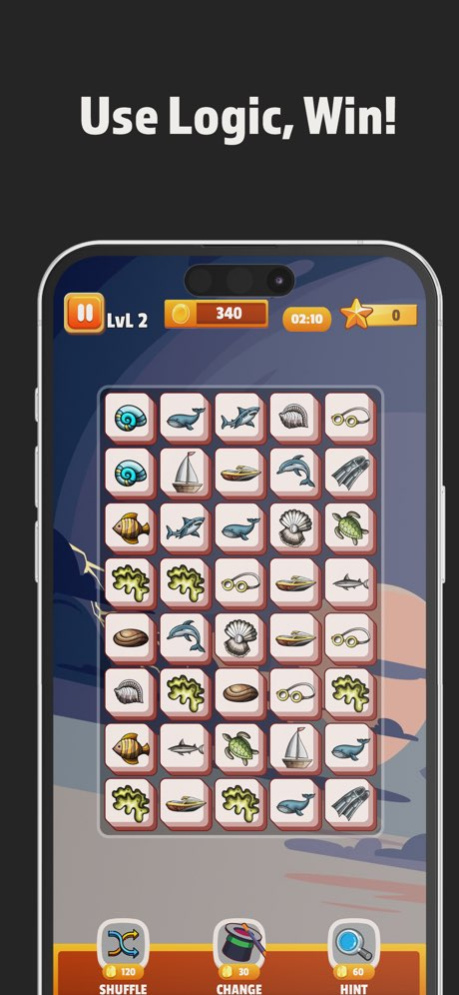

Tile Link Infinite Objects is the best way to train your brain, eyes, and logical thinking skills for free. Get ready to have a great time with a variety of picture collections in the tile puzzles.
In this matching game with simple rules, your goal is to find pairs of tiles with the same images and connect them. Once you match all the tiles, you will complete the current level.
How to Play:
Tap on two identical tiles that are not blocked by other tiles and connect them with a line that doesn’t turn more than three times.
Clear all tiles on the board within the given time to complete the level.
Be careful with tiles containing bombs.
Use abilities when facing difficulties.
Play faster to become a Tile Master.
Take advantage of power-ups: get hints and defuse bombs.
Features:
Enjoy playing without spending any money.
Experience a wide variety of cute tiles.
Multi-level designs.
Have fun with relaxing music.
Play anytime, anywhere.
Do you enjoy matching games? Can you clear all the blocks on the screen? Keep your mind active while having fun, relaxing, and relieving stress with this puzzle game. Become a matching master. Hurry up and match tiles with all sorts of patterns!
Tile Link Infinite Objects is the most colorful and vibrant free brain game available. It can also be used as an attention test. It is suitable for people of all ages looking for a challenging matching game.
Version History Bugs fixed. 1.0.4 12/13/2024 Bugs fixed. 1.0.3 10/03/2024 Bugs fixed. 1.0.2 08/22/2024 Bugs fixed. 1.0.1 08/18/2024 1.0.0 08/09/2024
About Tile Link Infinite Objects
The company that develops Tile Link Infinite Objects is GECEN TEKNOLOJI YAZILIM BILISIM SANAYI VE TICARET LIMITED SIRKETI. The latest version released by its developer is 1.0.4.
To install Tile Link Infinite Objects on your iOS device, just click the green Continue To App button above to start the installation process. The app is listed on our website since 2026-10-07 and was downloaded 0 times. We have already checked if the download link is safe, however for your own protection we recommend that you scan the downloaded app with your antivirus. Your antivirus may detect the Tile Link Infinite Objects as malware if the download link is broken.
How to install Tile Link Infinite Objects on your iOS device:
- Click on the Continue To App button on our website. This will redirect you to the App Store.
- Once the Tile Link Infinite Objects is shown in the iTunes listing of your iOS device, you can start its download and installation. Tap on the GET button to the right of the app to start downloading it.
- If you are not logged-in the iOS appstore app, you'll be prompted for your your Apple ID and/or password.
- After Tile Link Infinite Objects is downloaded, you'll see an INSTALL button to the right. Tap on it to start the actual installation of the iOS app.
- Once installation is finished you can tap on the OPEN button to start it. Its icon will also be added to your device home screen.
Program Details
General
System requirements
Download information
Pricing
Version History
version 1.0.4
posted on 2026-10-07
Version History Bugs fixed. 1.0.4 12/13/2024 Bugs fixed. 1.0.3 10/03/2024 Bugs fixed. 1.0.2 08/22/2024 Bugs fixed. 1.0.1 08/18/2024 1.0.0 08/09/2024
version 1.0.4
posted on 2024-12-13
Bugs fixed.
